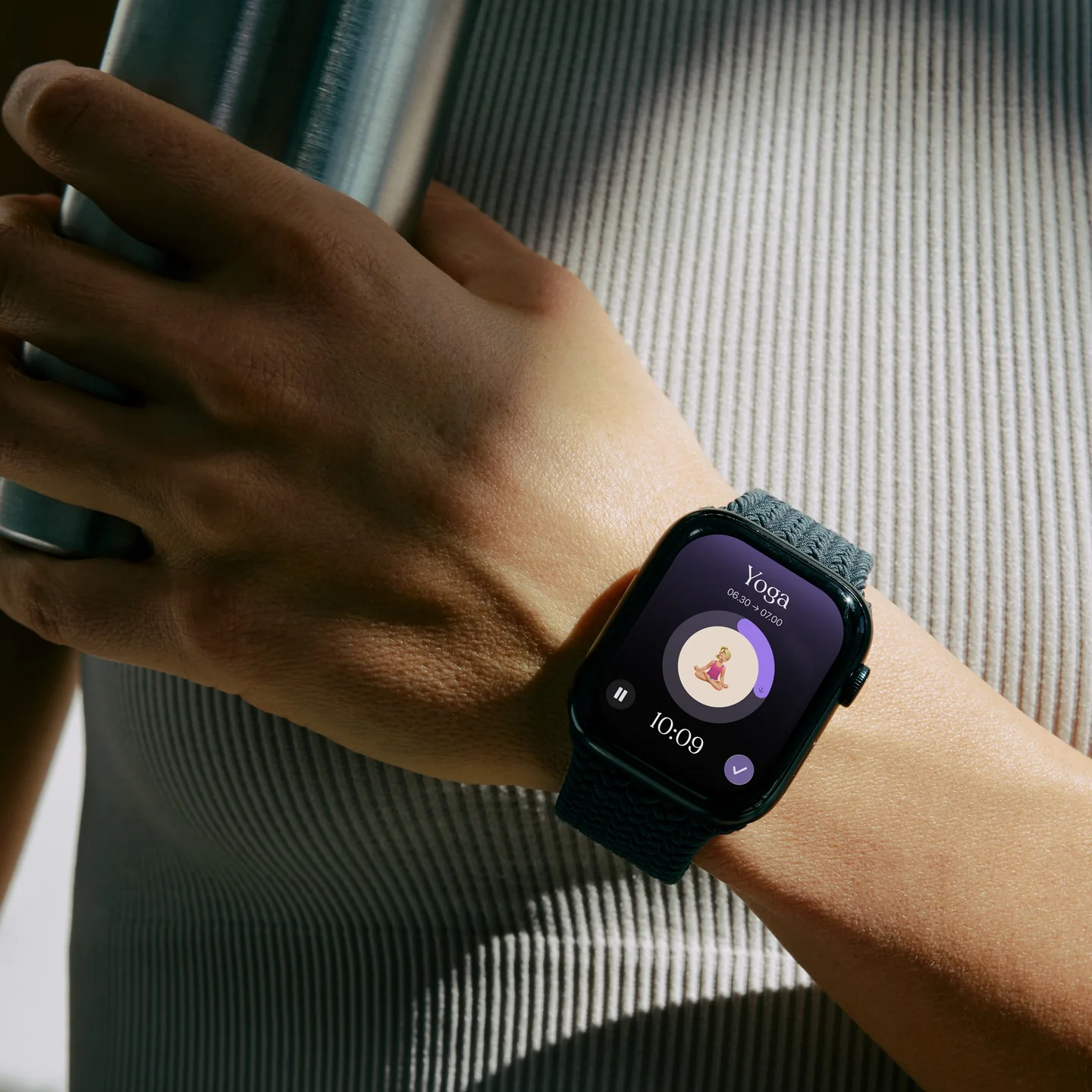
Tiimo for Apple Watch
A wrist-sized companion for checking the plan and staying with the task at hand.
- My role
- Head of Design
- Project
- watchOS app
The brief
Design for a quick check-in.
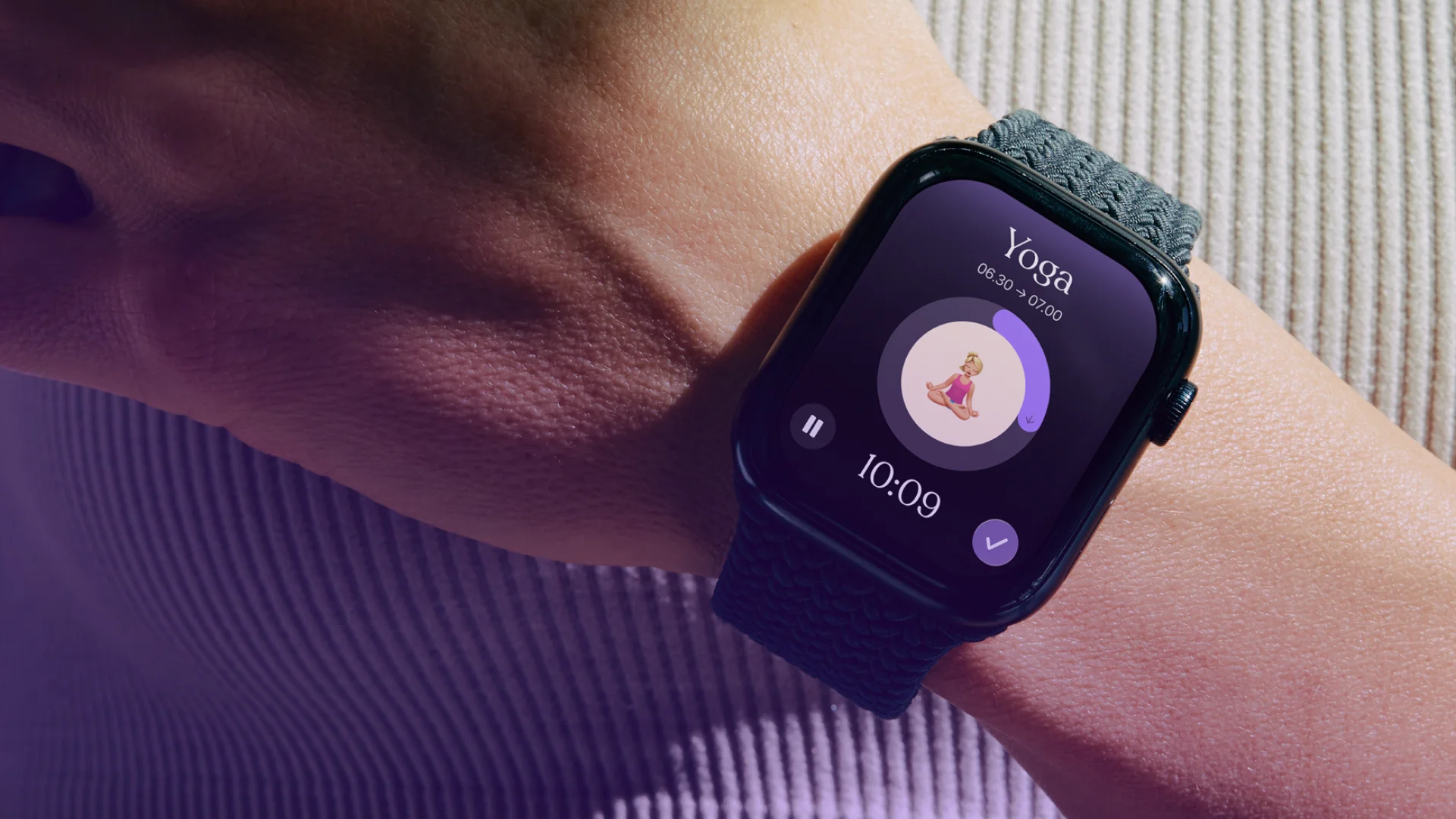
As Head of Design, I led the design direction for Tiimo on Apple Watch. We focused on moments when reaching for a phone can break your flow, like checking what’s next between errands or crossing something off a list in the grocery aisle.
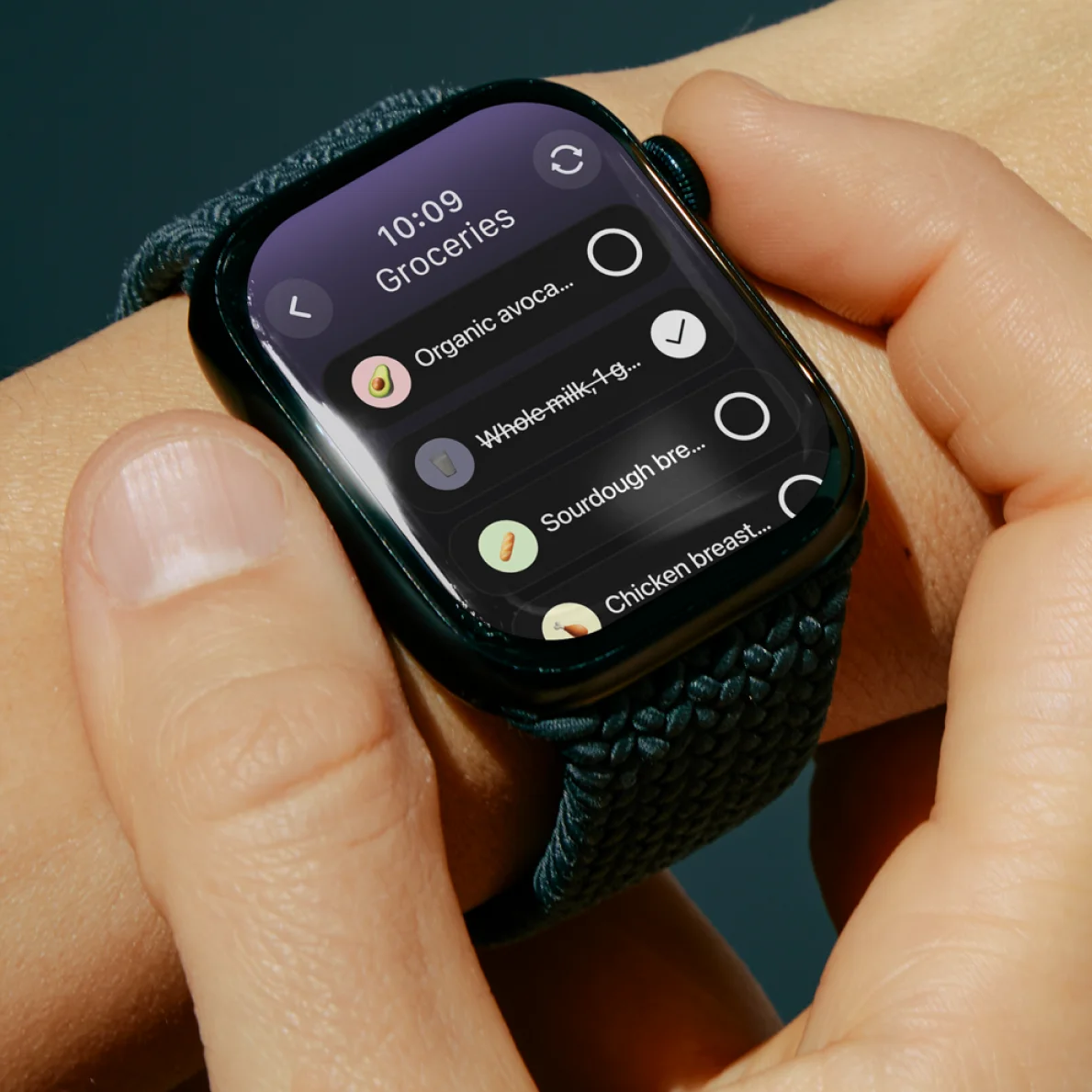
Today groups the schedule into parts of the day, so a glance can tell you what’s ahead. Lists group tasks by priority and show what’s already done, whether you’re working through groceries or a project.
The experience
Keep the task in view.
The focus ring gives you a quick sense of how much of a yoga session is left. The countdown shows the exact time, and the task name and icon tell you what the timer is for.
People can see the steps in a routine and pause, restart, add a minute or finish from the watch. Those controls let them adjust the task in the moment and get back to what they were doing.